Local-first · Private · Open

From meeting to board, with AI.

Record your calls — including your computer's audio — transcribe them with Whisper, and let AI turn them into organized kanban tasks. Local-first and private.

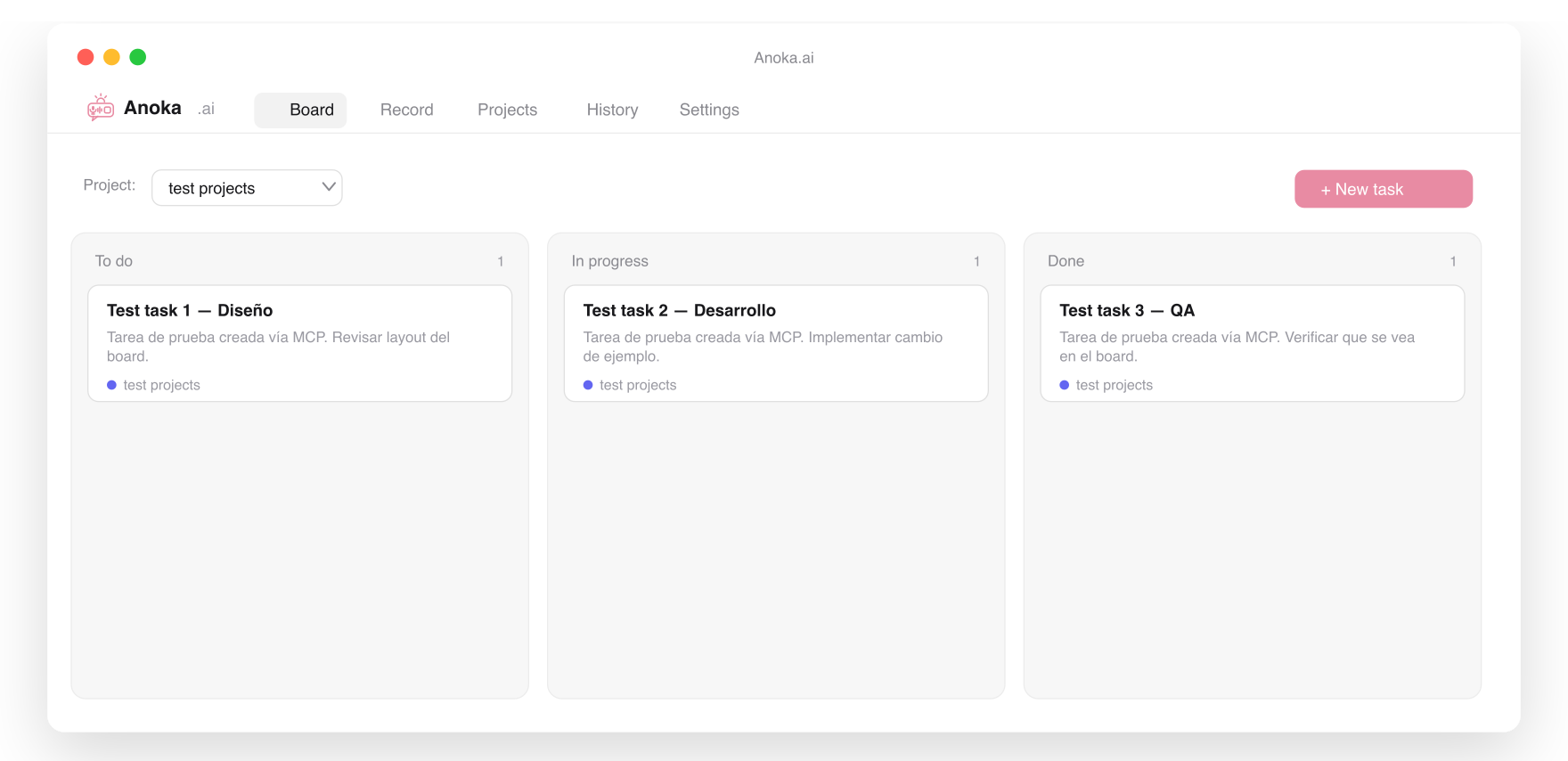
Anoka.ai - From meeting to kanban board, with AI | Product Hunt
To do
Send proposal to client
Schedule demo
In progress
Review contract
Done
Kickoff call

What Anoka.ai does

Kanban by project

Drag & drop columns, priorities, due dates and comments. Each project is its own board with its own AI context.

Record & transcribe

Microphone + system audio (Meet/Zoom/Teams meetings). Transcription with Whisper — OpenAI, Groq or fully local.

Tasks with AI

Claude, OpenAI, DeepSeek or a local model (Ollama) read the transcript and propose actionable tasks, ready for the board.

Download Anota.ai

Desktop app. Your data stays local on your machine.

Documentation

Connect the MCP server

Anoka ships an MCP server that reads your local tasks, so an assistant (Claude Desktop, Claude Code…) can view and create tasks, leave comments and read transcripts.

Claude Code (one command):

claude mcp add anota -- node /path/to/anota-ai/mcp/server.mjs

Claude Desktop — in claude_desktop_config.json:

{
  "mcpServers": {
    "anota": {
      "command": "node",
      "args": ["/path/to/anota-ai/mcp/server.mjs"]
    }
  }
}

Available tools: list_projects, list_tasks, tasks_by_project, create_task, add_comment, list_transcripts.

Configure advanced models

In Settings › AI pick one provider for everything, or Advanced mode to mix (e.g. Whisper to transcribe + Claude/Ollama to extract).

ProviderBase URLUse
OpenAIhttps://api.openai.com/v1Whisper + chat
Anthropic (Claude)https://api.anthropic.comExtraction
Groqhttps://api.groq.com/openai/v1Whisper + chat
DeepSeekhttps://api.deepseek.com/v1Extraction
Ollama (local)http://localhost:11434/v1Extraction (offline)
Speaches (local)http://localhost:8000/v1Transcription (offline)

100% local — extraction with Ollama and transcription with Speaches:

# Extraction
ollama serve
ollama pull qwen2.5:7b

# Transcription (OpenAI-compatible)
docker run -d --name anota-speaches --restart unless-stopped \
  -p 8000:8000 ghcr.io/speaches-ai/speaches:latest-cpu
curl -X POST http://localhost:8000/v1/models/Systran/faster-whisper-small

Connectors

From a task you can push it to ClickUp, Jira or GitHub Issues. Configure them in Settings › Connectors (token + IDs). On create, it opens in your browser.

Comments

Leave your feedback about Anoka.ai — it's read from our Firebase.